Four steps. About 15 minutes. Here’s exactly what to do from account creation to your first verified cost-per-mile number.
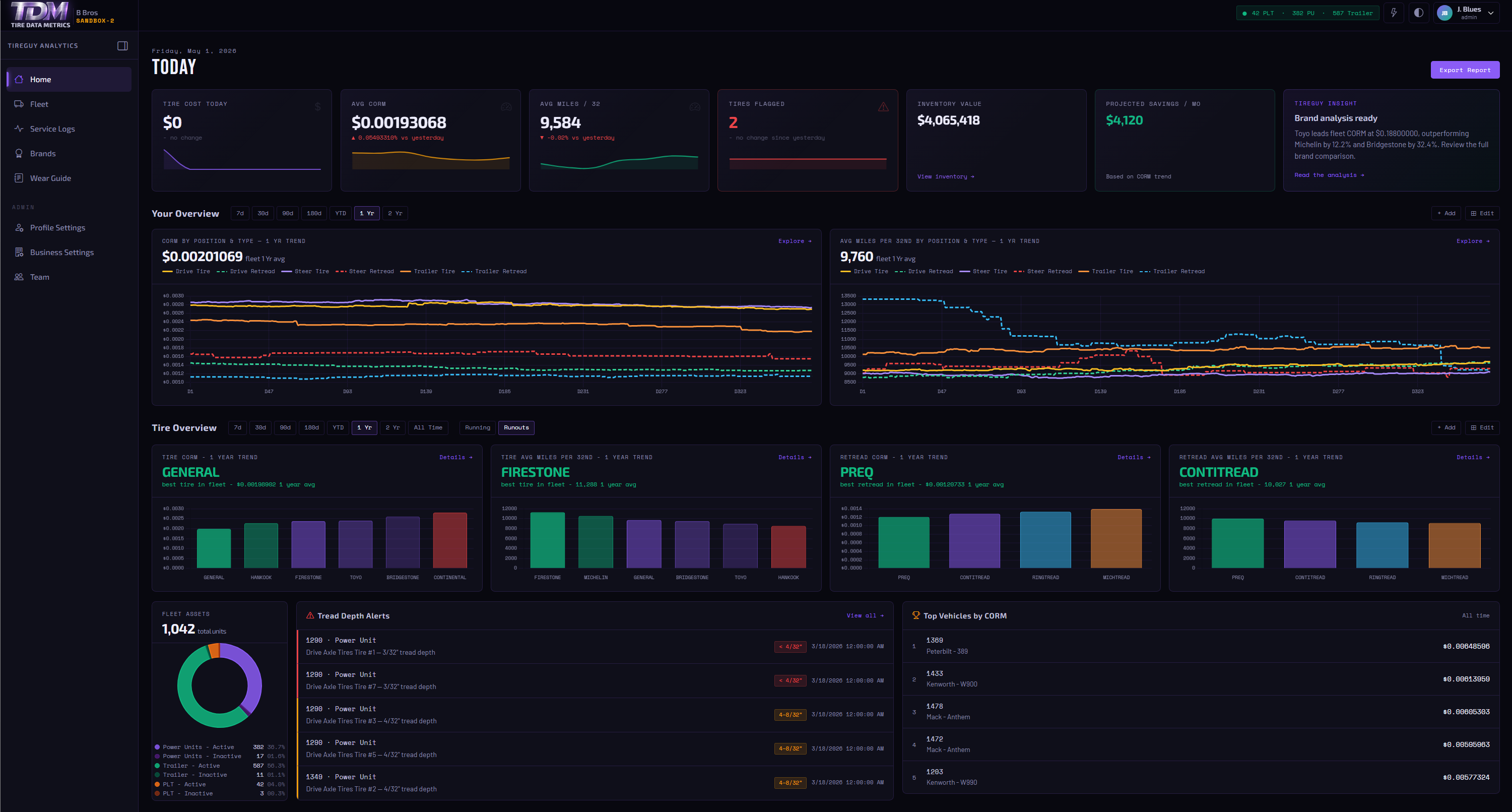
Have these items ready. You don’t need perfect records to start — TireGuy only counts data you’ve verified against your paperwork.
You don’t need complete records on every unit before you begin. Even partial data will surface real CORM numbers for the tires you do track. You can add more records at any time — the analysis updates automatically.
Takes about two minutes. As low as 1$ per unit per Month.
Add the units you want to analyze. TireGuy tracks CORM by axle position, so the more detail you enter now, the more granular your analysis will be.
Large fleets may qualify for bulk imports of all your units at once. Contact us for information.
This is where TireGuy gets its signal. Enter actual verified costs and mileage from your service records — no estimates, no industry averages. Your CORM is only as accurate as the data behind it.
TireGuy calculates CORM real-time, from the data as you enter it. This is by design — it keeps your numbers clean, auditable, and defensible when you’re negotiating with vendors.
Once you have runouts on one tire — TireGuy will calculate your first CORM number.
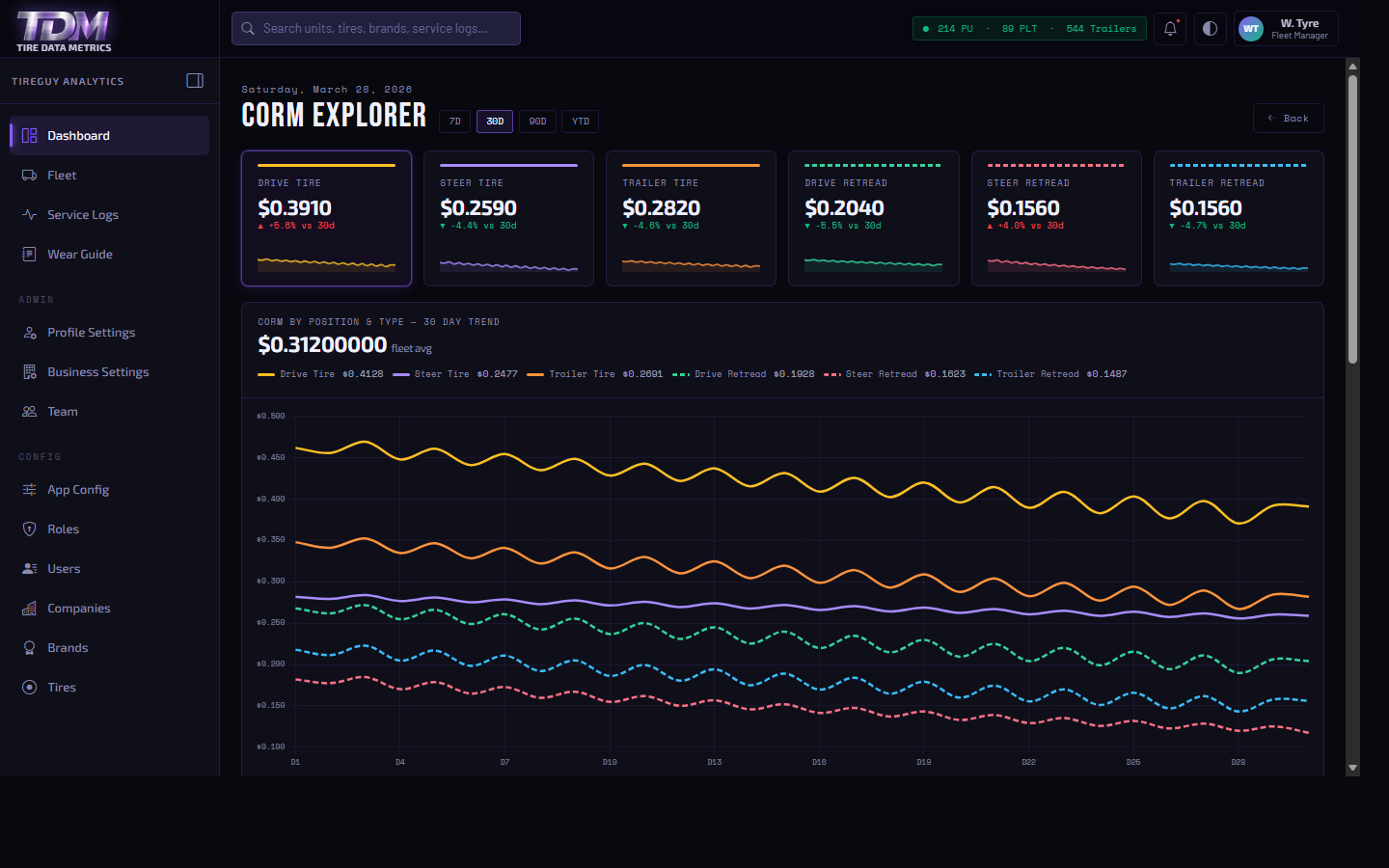
Long-haul operations typically see steer CORM between $0.028–$0.042 per mile and drive CORM between $0.018–$0.032. If your numbers fall outside these ranges, TireGuy’s brand comparison will show you exactly which tires are dragging the number up — and by how much.
We’re a small team in Tampa — the person who answers knows the product. Typical response within one business day.